Upload a character image and a reference motion video. Get a frame-accurate motion control video with synced dance moves, gestures, and expressions.
First time here? Read the beginner guideSee an example pipeline
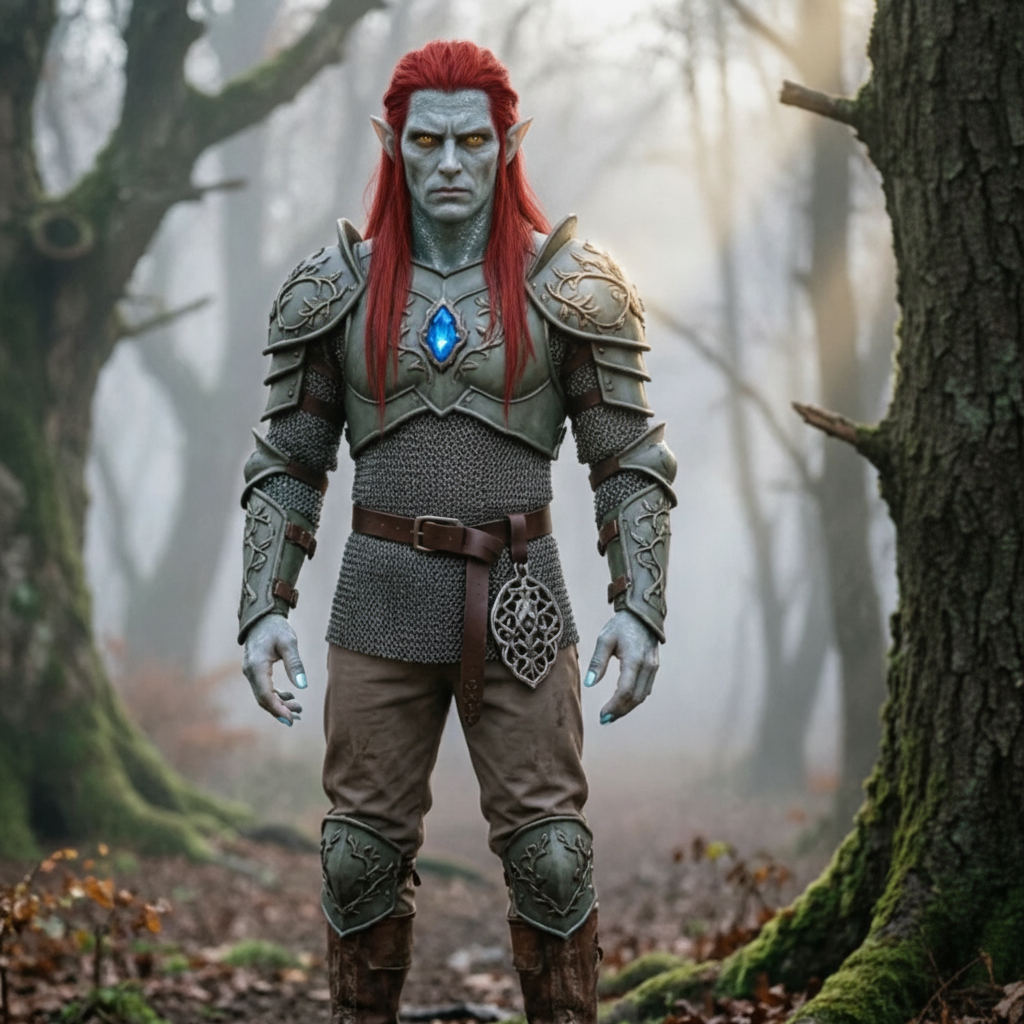
Upload who you want to animate, then upload the movement you want them to copy.
Upload your character image
Drop a file here or click to choose one
JPG or PNG · 10 MB max · at least 300 px. A clear, unobstructed upper or full body works best.
Upload your movement video
Choose a short, clear motion clip
MP4 or MOV · 3–30 seconds · 10 MB max. Keep the moving person fully visible.
Tip: the person's head, torso, and arms must stay fully visible throughout the clip — otherwise generation will be rejected.
Allowed: 3–30s. The result follows this length.
Describe the background, lighting, and style. The uploaded video already provides the movement.
Your movement clip appears here first. The generated video replaces it when ready.
Start by uploading a character image and a short movement video in the panel on the left.
Explore how creators transfer real movement onto any character with Motion Control AI. Click any card to view the prompt and try it yourself.
Open the Generator and start creating your motion control video.
Upload a JPG or PNG character image and a 3–30 second MP4 or MOV reference video. Each file must be 10MB or smaller and at least 300px wide and tall.
Choose Kling 2.6 Pro or Kling 3.0 Standard, decide whether framing follows the image or video, review the detected duration and credit cost, then generate and download.
Need help with billing, motion control quality issues, or a support question about AI pose transfer? Reach us anytime at [email protected].
Upload a character image and a 3–30 second reference motion video. Choose Kling 2.6 Pro or Kling 3.0 Standard, then let Motion Control AI copy the movement to your character. Free credits are available; no credit card is required.
